Product overview
Get a complete view of the tools that power your business
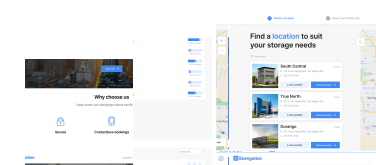
Get a complete view of the tools that power your business
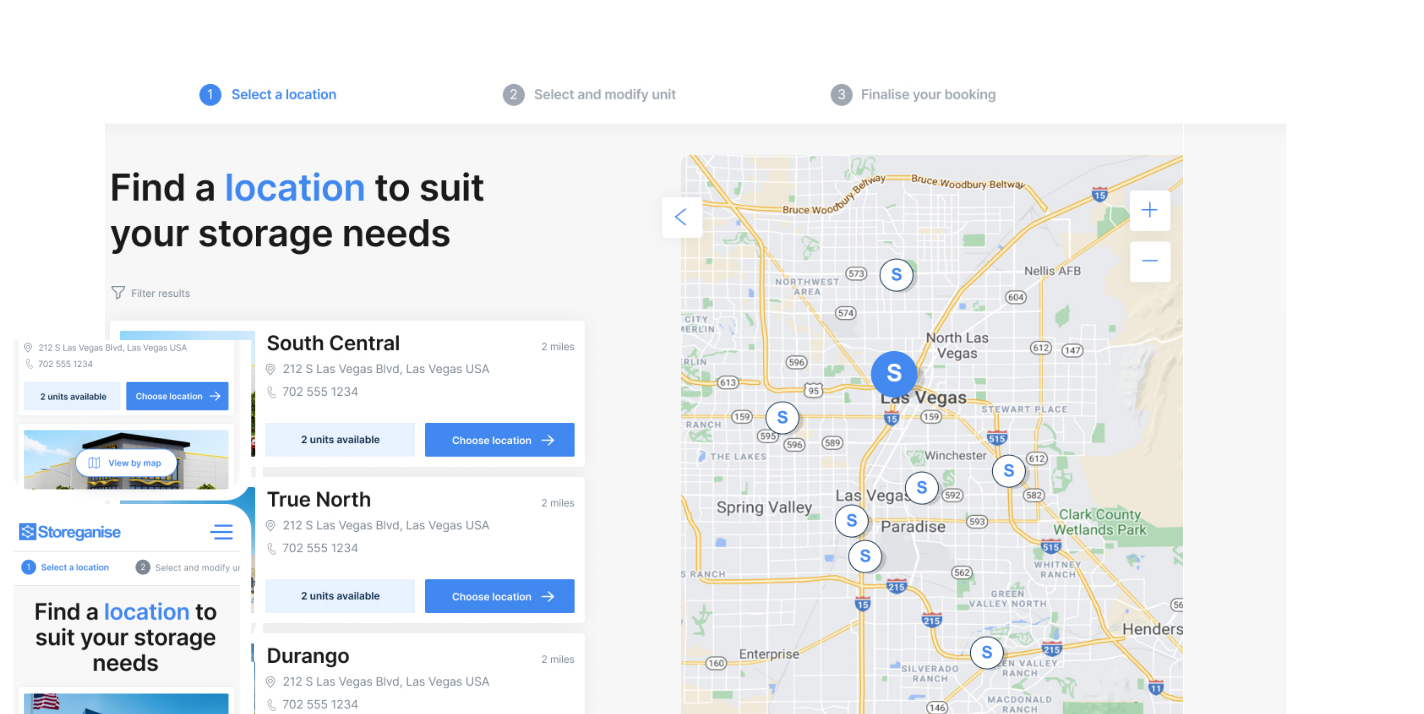
Let customers book and manage storage with ease
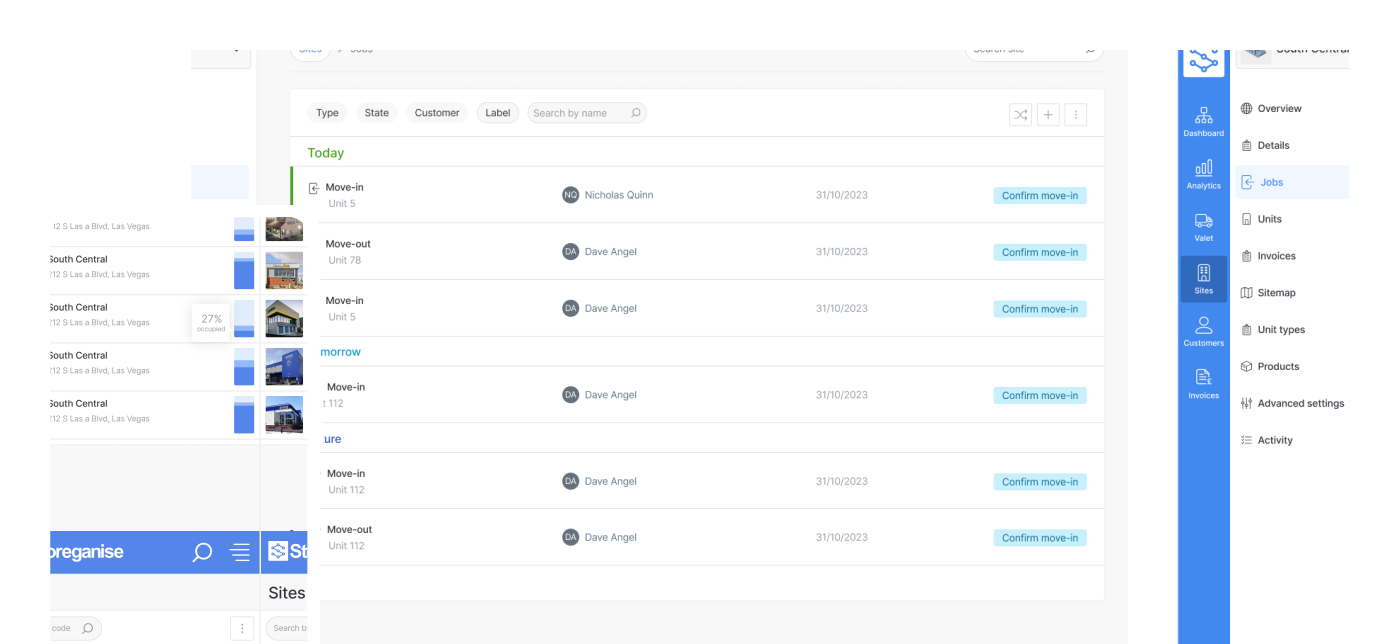
Manage your entire business in one place
Attract new customers with a website built for self-storage

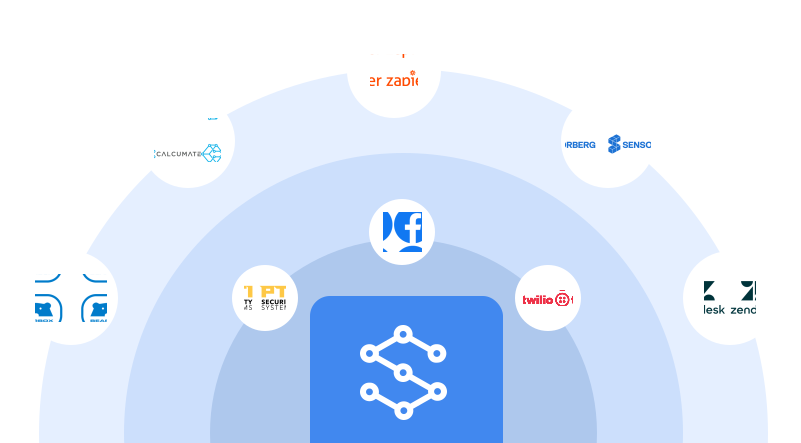
Extend your business logic with endless integrations

Written by: Jack Colemanzo
Data validated by: Storeganise team
Published: 2026-06-29
Track which campaigns drive real move-ins, and keep your Zendesk records current without the manual work.
Storeganise now integrates with Google Ads, Meta Ads, and Zendesk Support through two new Add-ons developed by Unwired Logic. Both are live in the Storeganise marketplace.
You run a Google Ads campaign, a family finds you, they book a unit. Google shows a conversion. But what kind? A form fill that never became a lease, or a customer who's paid their first month?
Most operators have no way to tell. The Google + Meta Ads Conversion Tracking Add-on closes that gap by sending real Storeganise booking events back to the ad platform as server-side conversions.
Your campaigns finally have enough signal to work with. Instead of optimising for form fills, they can optimise for signed leases and first-month revenue. Over time, that changes which keywords you bid on and which audiences you target.
When a customer calls your support line, your team shouldn't need to open Storeganise to find out if they're an active renter or a past customer. The Zendesk Support - User Sync Add-on keeps that information current in Zendesk automatically.
Support agents see the customer's current status without leaving Zendesk. Fewer tabs, fewer errors, and no mid-call scramble to find out if a caller is still renting. Your team already knows the situation before the call starts.
Full setup instructions are in the Unwired Logic help documentation.
Yes. Each platform can be enabled or disabled separately within the Add-on settings.
Automated GTM setup is supported for Storeganise-hosted booking sites. If you use a custom booking site, contact Unwired Logic directly at engineering@getuniti.com.
Status syncs from Storeganise to Zendesk only. Status changes made in Zendesk are not reflected in Storeganise.
Duplicate email conflicts are raised as admin tasks in Storeganise rather than automatically overwriting either record. You resolve them manually.
Unwired Logic handles all partner-specific technical support at engineering@getuniti.com. Storeganise support covers installation and account-level questions at support@storeganise.com.
Both Add-ons are installed by request. Contact support@storeganise.com to enable either one, or visit the Unwired Logic partner page to learn more.

Jack Colemanzo is the Head of Sales at Storeganise, based in Barcelona. With a strong background in the technology industry, spanning software development, sales management, and team leadership, Jack is a catalyst for growth and a builder of positive team culture.
View bioSee how Storeganise helps your self-storage operations run smarter, so you and your team can grow your business, not your workload.