Product overview
Get a complete view of the tools that power your business

Get a complete view of the tools that power your business
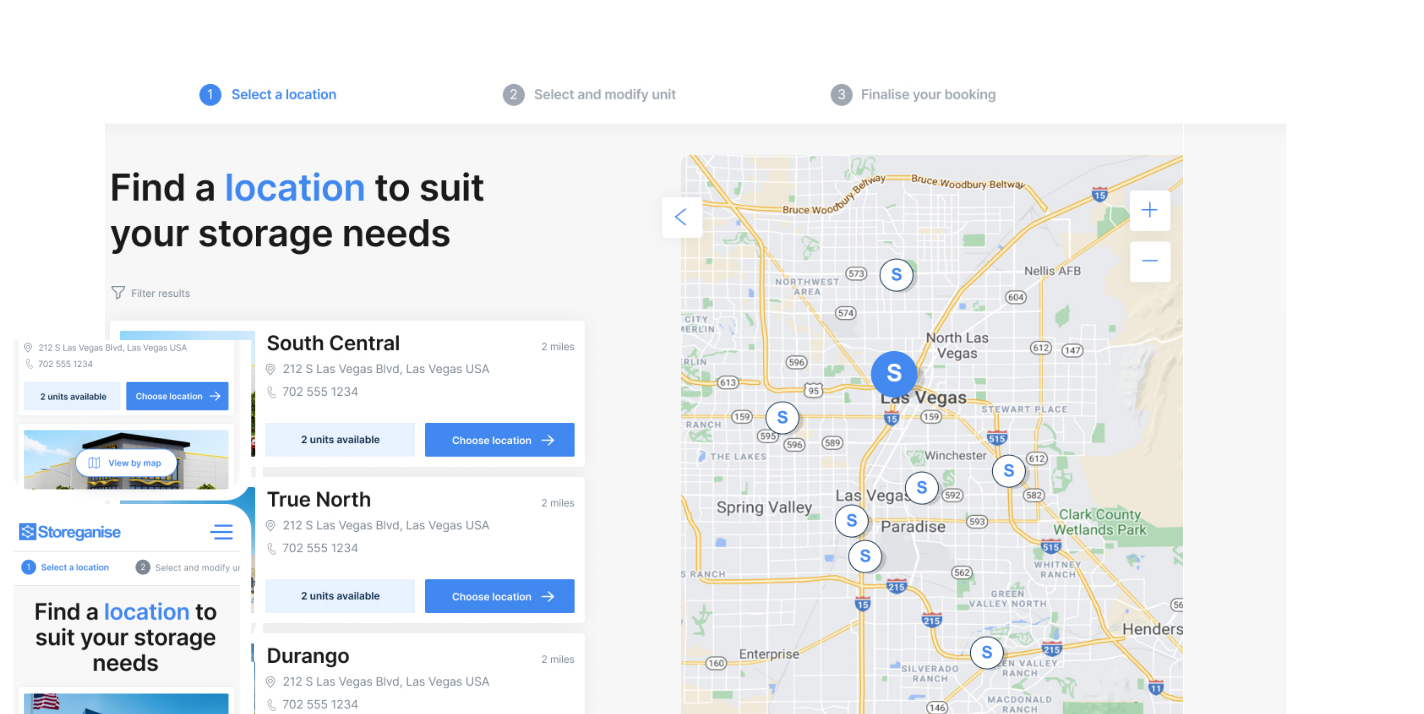
Let customers book and manage storage with ease
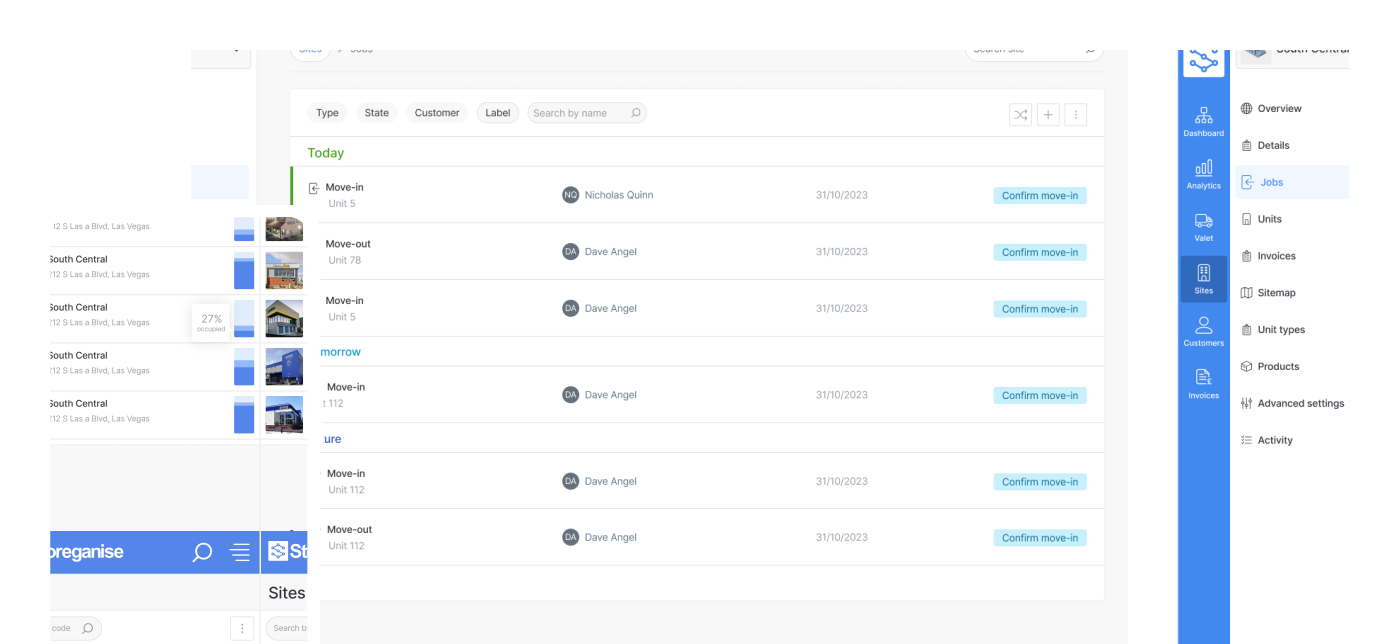
Manage your entire business in one place
Attract new customers with a website built for self-storage

Extend your business logic with endless integrations


Written by: John Contogiannis
Data validated by: Storeganise team
Published: 2026-08-12
Storeganise now integrates with Fortis, giving self storage operators in the US and Canada a single payment gateway for credit cards, ACH bank transfers, and digital wallets. It's the first time we've covered the Fortis payment gateway on the blog, so this post is the full picture: what it handles today, and how it fits into the rest of your Storeganise setup.
A customer calls to dispute a charge on their unit. Three weeks later, you notice the money is gone, a chargeback landed on your merchant statement and nobody flagged it until the funds had already moved. Meanwhile, a different customer wants to move in over the phone and pay by card, but your team has no clean way to take that payment without emailing a link and waiting. Small gaps like these add up to lost time, lost revenue, and a support team piecing things together after the fact instead of during.
Digital wallets are no longer a nice-to-have. Fortis's own research on payment expectations heading into 2026 found that 51% of digital wallet users have stopped shopping with a business that only accepted traditional payment methods. For self storage operators, that means a customer who can't pay with Apple Pay or Google Pay at move-in is a customer who might just call the facility down the road instead.
Fortis is a US payment processor headquartered in Plano, Texas, built around embedded payments for software platforms and developers. The company operates as a registered Payment Facilitator and ISO for major banking partners, with a couple of decades of experience wiring payments into ERP systems like NetSuite, QuickBooks, Sage, and Microsoft Dynamics 365. That same developer-first infrastructure now sits behind Storeganise's checkout, handling cards, ACH, and wallets under one connection instead of several.

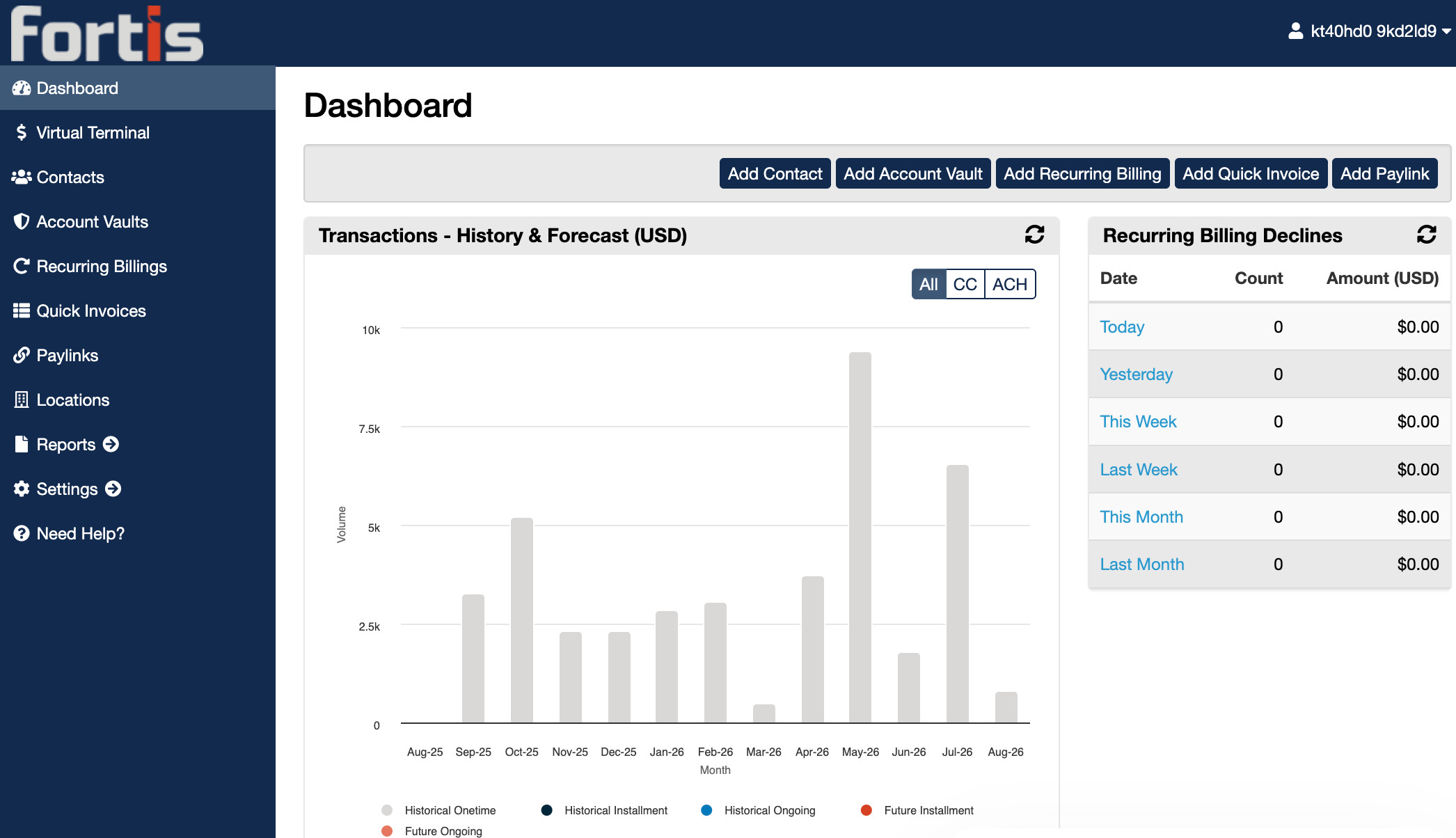
One dashboard-adjacent view of cards, ACH, wallets, and disputes, instead of juggling separate systems for phone payments, refunds, and chargebacks.
More ways to pay, including the wallet already on their phone, plus a smoother move-in when paying by phone with your team.
Built on Storeganise's open API, the Fortis Add-on joins a growing integrations marketplace that turns Storeganise into the operating system for your storage business, cutting manual admin without adding another tool to check.
The Fortis Add-on is installed by request, since it involves connecting your own Fortis merchant account. See the Fortis partner page for the full feature rundown.
Full setup steps are in the Fortis Add-on help doc, alongside more on automating your self storage billing once payments are connected.
Credit cards, ACH bank transfers, and, once enabled on your Fortis account, Apple Pay and Google Pay.
Fortis on Storeganise is built for North America and processes in USD & CAD.
Yes. From User > Billing in the Management Portal, you can add or update a card or ACH payment method on a customer's behalf.
Storeganise marks the invoice as failed and posts a task letting you know a dispute has been filed, directing you to your Fortis Dashboard to review it.
Yes. Fortis operates as a registered Payment Facilitator and ISO for major banking partners, with configurable address verification available for extra fraud protection.
The Fortis Add-on is installed by request. Contact support@storeganise.com to enable it, or book a demo to see it in action.
Questions? Our support team is here to help.

John Contogiannis is a content writer at Storeganise, passionate about creating valuable content for the self-storage industry.
View bioSee how Storeganise helps your self-storage operations run smarter, so you and your team can grow your business, not your workload.